.webp&w=3840&q=100)
 smmsun•Last Update On: September 3, 2026

How to Pay for SMM Services with bKash and Nagad (Step-by-Step)
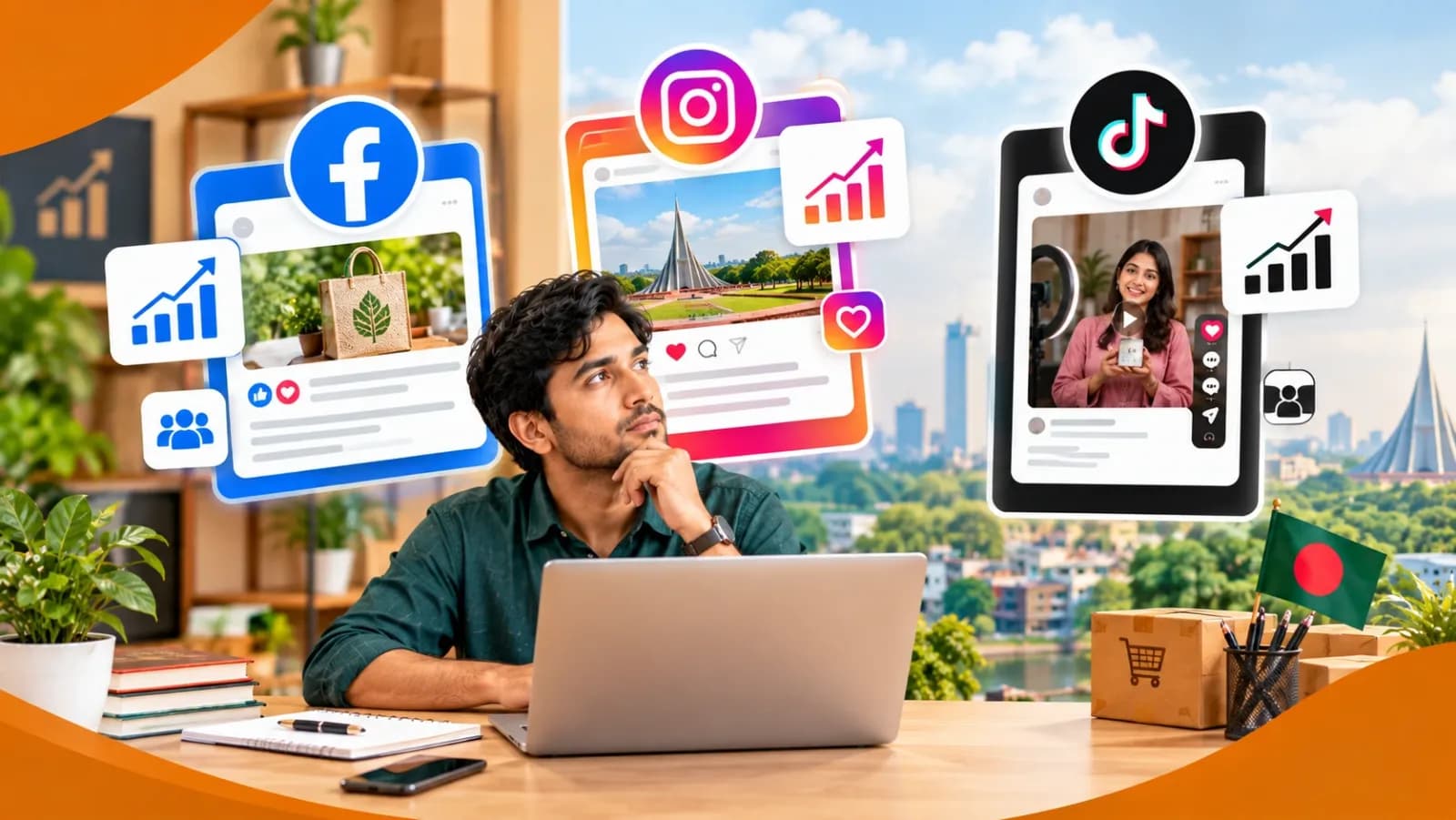
If you have ever tried to buy likes, followers, or views for your Facebook, Instagram, or YouTube page in Bangladesh, you already know the biggest headache is rarely the service itself — it is the payment. International cards are hard to get, PayPal is not fully available in Bangladesh, and most beginners simply want to know: can I pay for an SMM Panel with bKash or Nagad, and is it safe to do so?
The short answer is yes. Almost every legitimate SMM Panel operating in Bangladesh, including SMMSun, accepts bKash and Nagad because they are the two payment methods nearly every Bangladeshi already trusts and uses daily. This guide walks you through exactly how the payment works, what to check before you send a single taka, and how to avoid the common mistakes that cause people to lose money to fake panels.
If you are still new to the concept, it may help to first read our guide on what an SMM Panel actually is before going further — it explains how these platforms work behind the scenes and what makes one trustworthy.
Why bKash and Nagad Are the Standard for SMM Panel Payments
bKash and Nagad are mobile financial services (MFS), not banks, but they are regulated by Bangladesh Bank and used by tens of millions of people across the country. For an SMM Panel targeting Bangladeshi freelancers, small business owners, and content creators, offering bKash and Nagad is not optional — it is the only realistic way for most customers to pay.
Compared to a bank transfer or an international card, bKash and Nagad payments:
- Complete in seconds, so your order can start processing almost immediately
- Do not require a bank account, which matters for students and young freelancers
- Are easy to track through the transaction ID (TrxID) generated after every payment
- Work from any part of Bangladesh, not just major cities
This is exactly why SMMSun built its payment system around these two methods, alongside standard card options for international clients.
Before You Pay: Confirm the Panel Is Legitimate
This is the step most people skip, and it is the most important one. Sending money through bKash or Nagad is instant and, in most cases, cannot be reversed. Before you enter any PIN, take two minutes to verify who you are actually paying.
- Check the official website URL.Fake panels often copy a legitimate SMM Panel's design and use a lookalike domain. Always type the URL directly or bookmark it — do not click links from random Facebook comments or Telegram groups.
- Look for a real support channel.A genuine business, like the one described on our About Us page, will list a working email, WhatsApp number, and a Contact Us page you can actually reach.
- Read the refund and order policy first.Legitimate panels explain clearly what happens if an order fails or an account gets flagged. If a page has no policy at all, that is a warning sign.
- Start small.Even with a trusted panel, your first order should be a small test — a few hundred followers or likes — before you commit a larger budget.
Once you are confident the panel is real, the payment itself is simple.
How to Pay with bKash: Step-by-Step
- Log in to your SMMSun account.If you do not have one yet, sign up first, then choose the service you want — for example, from the Facebook SMM Panel or Instagram SMM Panel section.
- Go to "Add Funds" or "Deposit."Most panels, including SMMSun, keep a wallet system: you add balance first, then place orders from that balance. This is faster than paying per order and gives you a running record of your spending.
- Select bKash as the payment method.You will usually be redirected to bKash's secure payment gateway, or shown a Merchant/Personal number to send money to directly, along with the exact amount.
- Open your bKash app(or dial *247# if you are using a basic phone) and choose Payment if it is a merchant gateway, or Send Money if you were given a personal number.
- Enter the amount exactly as shownon the panel's deposit page. Sending a different amount can delay your balance being credited.
- Confirm with your bKash PIN.Never share this PIN with anyone, including someone claiming to be "support staff" — no legitimate service will ever ask for it.
- Save the Transaction ID (TrxID).This is your proof of payment. If your balance is not credited within the time stated on the site, this ID is what you will need to send to support.
- Refresh your panel dashboard.Most bKash payments through an official gateway reflect within a few minutes; manual Send Money payments may take longer since they usually need manual confirmation.
How to Pay with Nagad: Step-by-Step
Nagad works almost identically to bKash, which is one reason both are so widely supported by SMM Panel platforms in Bangladesh.
- Choose Nagad at checkoutor on the "Add Funds" page of your SMMSun dashboard.
- Note the amount and the recipient numbershown on the payment page.
- Open the Nagad app, or dial *167# if you do not have the app installed.
- Select Send Money or Payment, depending on whether you were given a personal Nagad number or a merchant payment option.
- Enter the exact amountand the recipient number carefully — a single wrong digit sends your money to a stranger, and Nagad transfers are very difficult to reverse.
- Authorize with your Nagad PIN.
- Keep the confirmation SMS or in-app receiptuntil your balance shows up on the panel.
Common Payment Mistakes to Avoid
- Sending money before checking the amount twice.Typos in the amount field are one of the most common reasons deposits get delayed or rejected.
- Paying a "discounted rate" through a personal number outside the platform.If someone offers to top up your SMMSun balance cheaper through a side deal, it is not coming from SMMSun and there is no way to get your money back if it goes wrong.
- Screenshotting instead of saving the actual TrxID.Support teams need the transaction ID, not just a picture of the confirmation screen.
- Assuming instant payment means instant results.Your balance can load in minutes, but depending on the service, delivery to your Facebook, Instagram, TikTok, or YouTube account may still take time to start and complete — this is normal and is explained in more detail in our guide to building a strong organic following, which also covers how paid growth and organic growth work together.
Frequently Asked Questions
Is it safe to pay an SMM Panel with bKash or Nagad?
Yes, as long as you are paying a verified, legitimate panel through its official payment page and never share your PIN with anyone.
What happens if my bKash or Nagad payment does not reflect in my balance?
Contact support directly through the panel's official channel and provide your Transaction ID. Reputable services, including SMMSun, resolve this quickly since the TrxID confirms the payment happened.
Can I get a refund if I paid the wrong amount?
This depends on the platform's refund policy, which is why it is worth reading before you deposit. Always check the terms listed on the site rather than assuming.
Do I need a bank account to use bKash or Nagad?
No. Both are mobile wallets tied to your phone number and National ID, which is exactly why they are so widely used across Bangladesh, including by people who have never opened a traditional bank account.
Final Thoughts
Paying for an SMM Panel with bKash or Nagad should take less than five minutes once you know the steps — the real work is choosing a platform you can actually trust with your money. Stick to services with a clear track record, real support contacts, and transparent policies, verify the amount and recipient every single time, and keep your transaction ID until the job is done.
If you are ready to grow your Facebook, Instagram, YouTube, TikTok, or Telegram presence, you can explore SMMSun's full range of services and get started with a bKash or Nagad deposit in just a few clicks.